

NEED HELP programMING your nfc tag?
Look how easy it is to program your QuickFix card's built-in NFC tag. Say goodbye to fumbling through your phone and hello to instant access with a simple tap. Learn to make your everyday tasks smoother and more efficient, even if you're new to NFC technology.
Check the FAQ for more information about the NFC Tag
how do i program my nfc tag?
iPhone and android
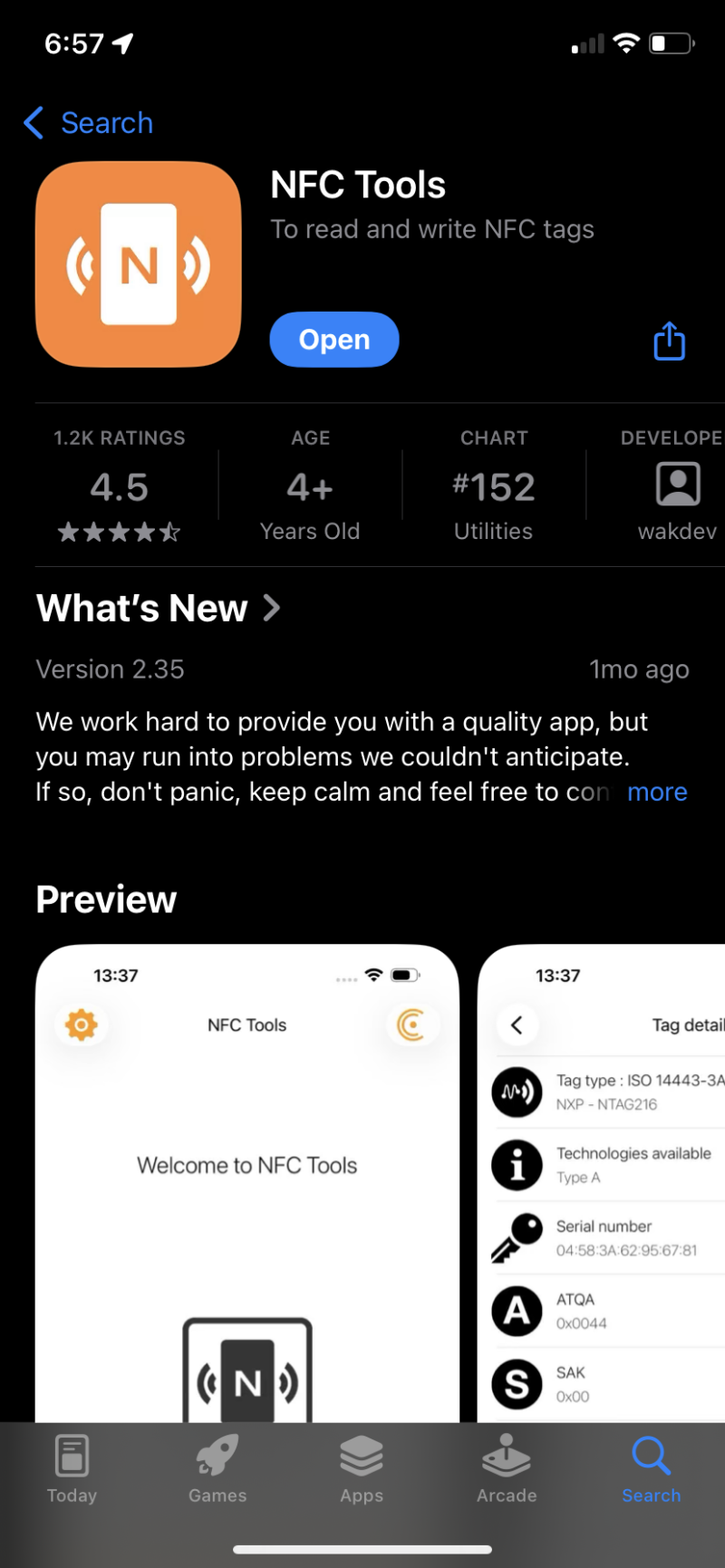
1. Download the NFC Tools app for iOS and Android
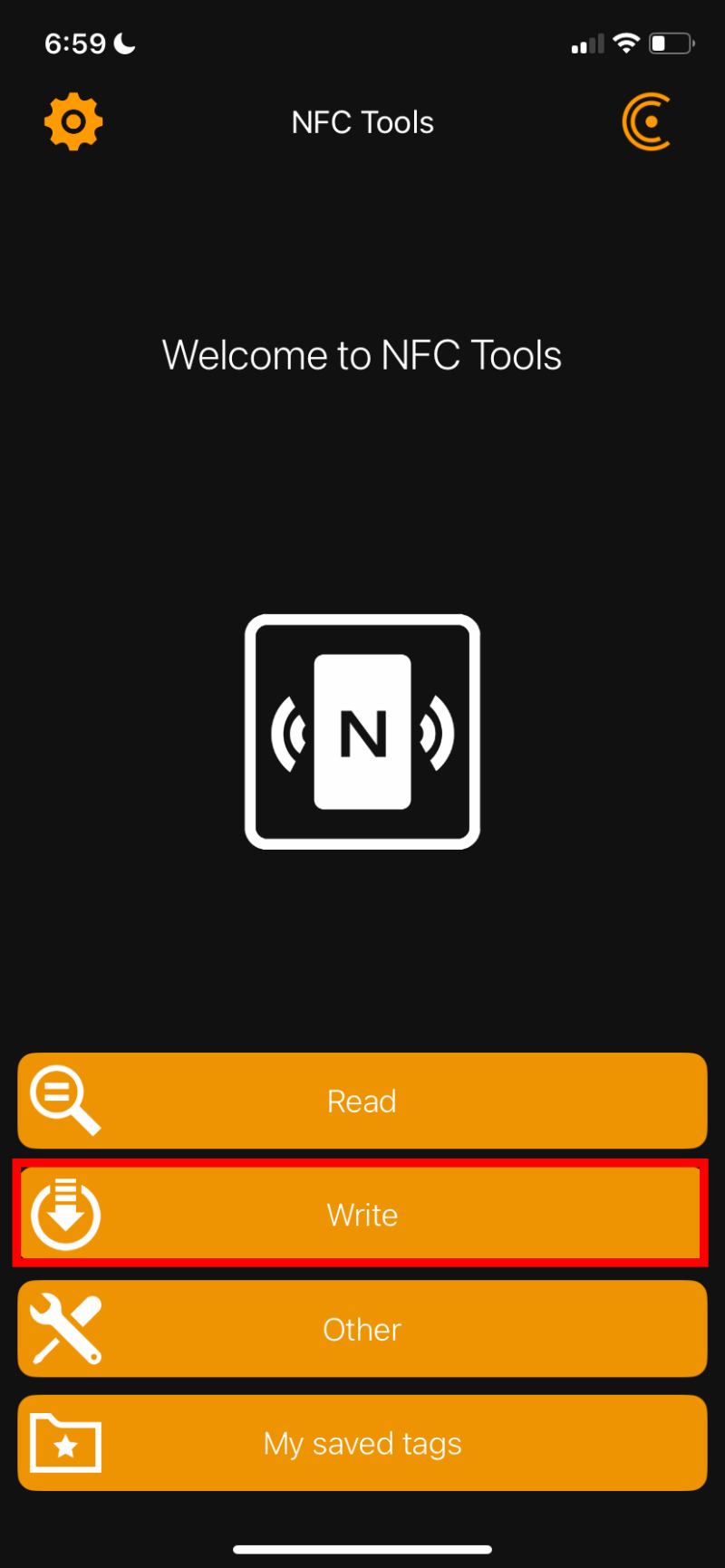
2. Tap the Write button on the home screen.
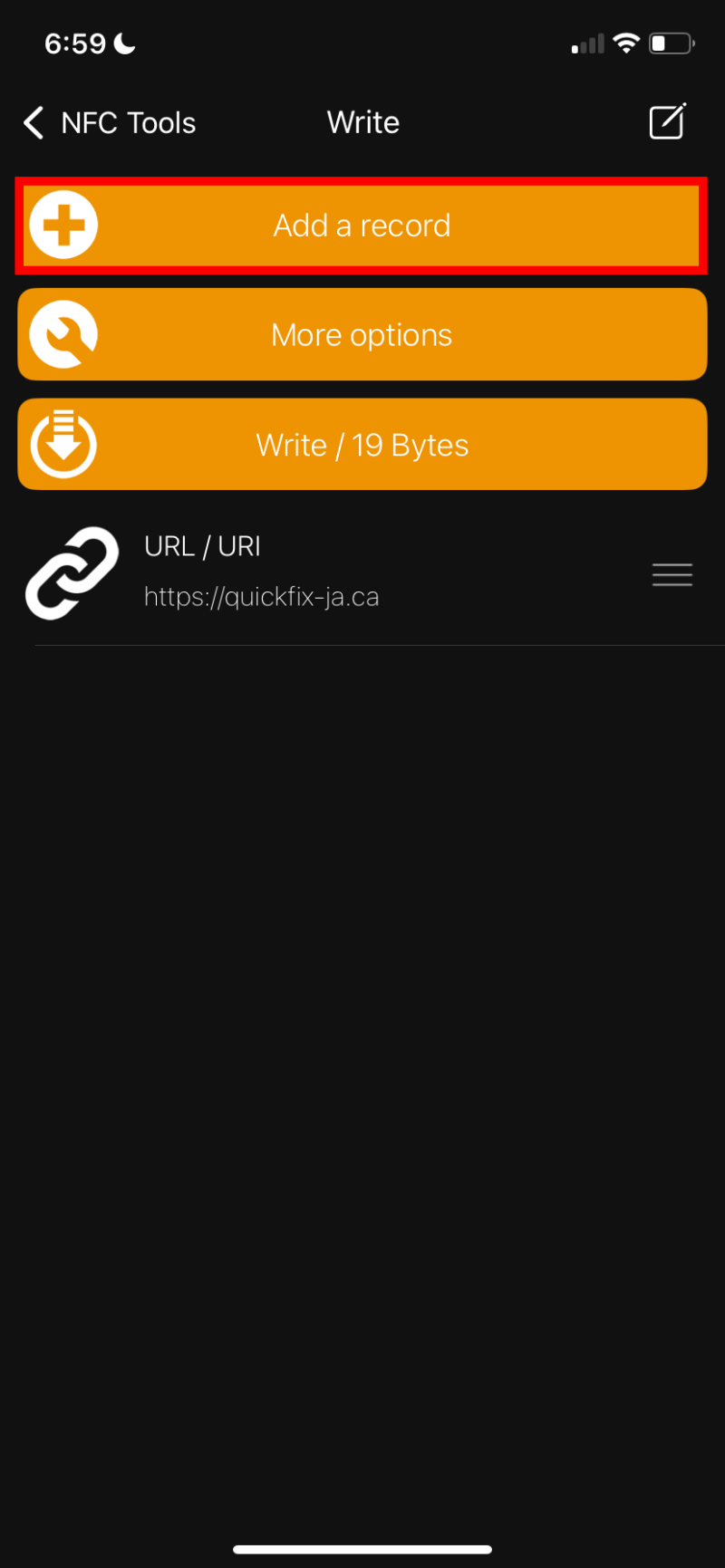
3. Tap Add a Record to choose what you want the NFC tag to do.
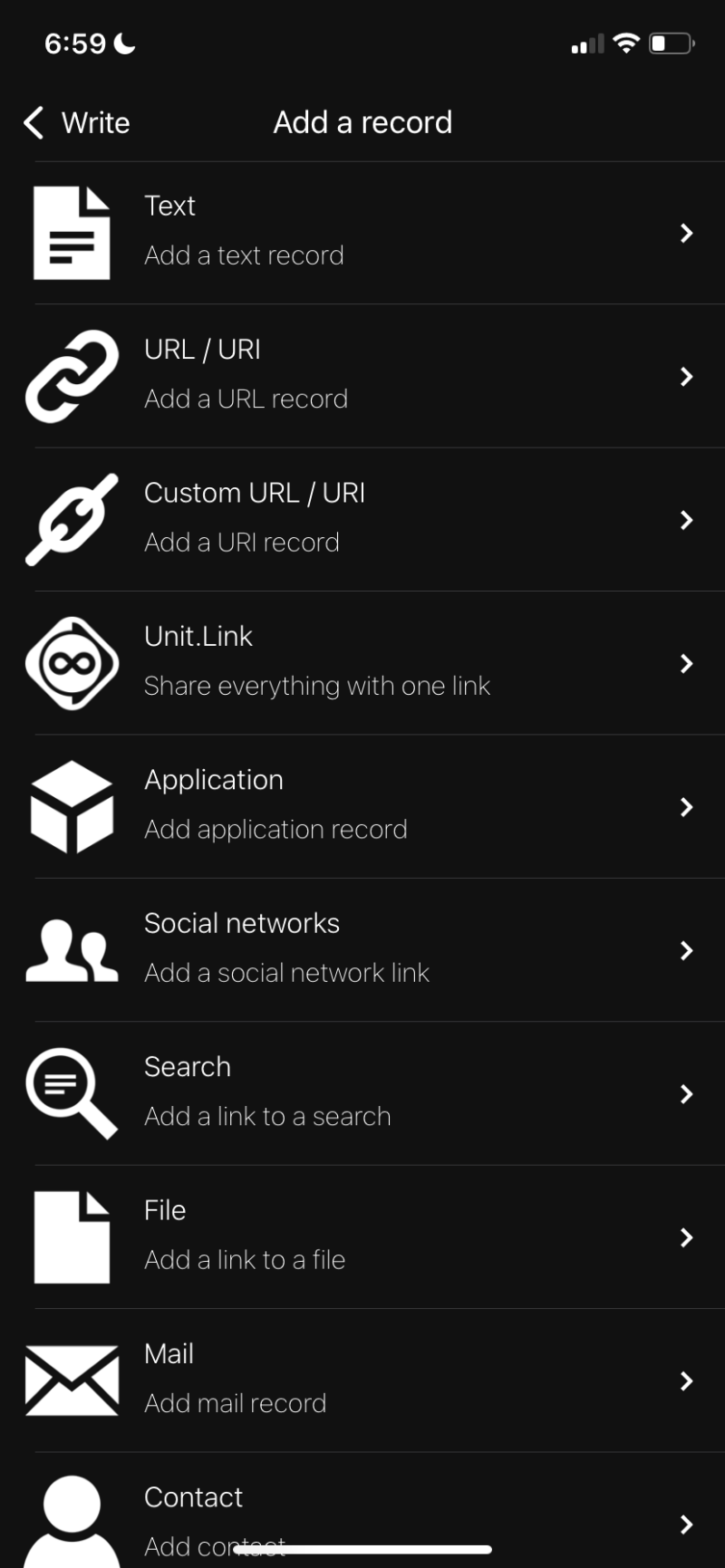
4. Select the type of record (URL, text, contact, WiFi, etc.).
5. Once selected, enter the information you want stored on the NFC tag and tap the check mark.
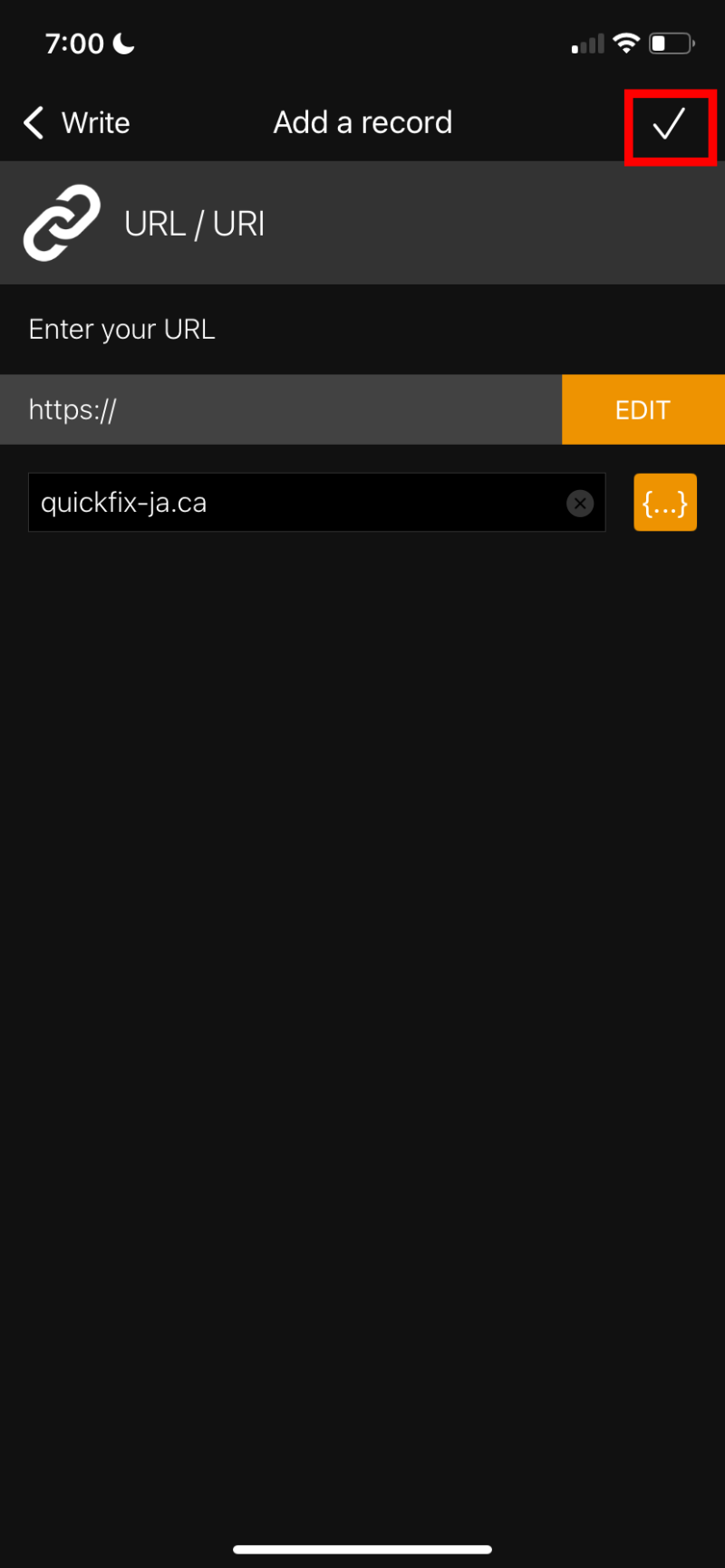
6. Tap Write / <XX> bytes at the bottom of the screen.
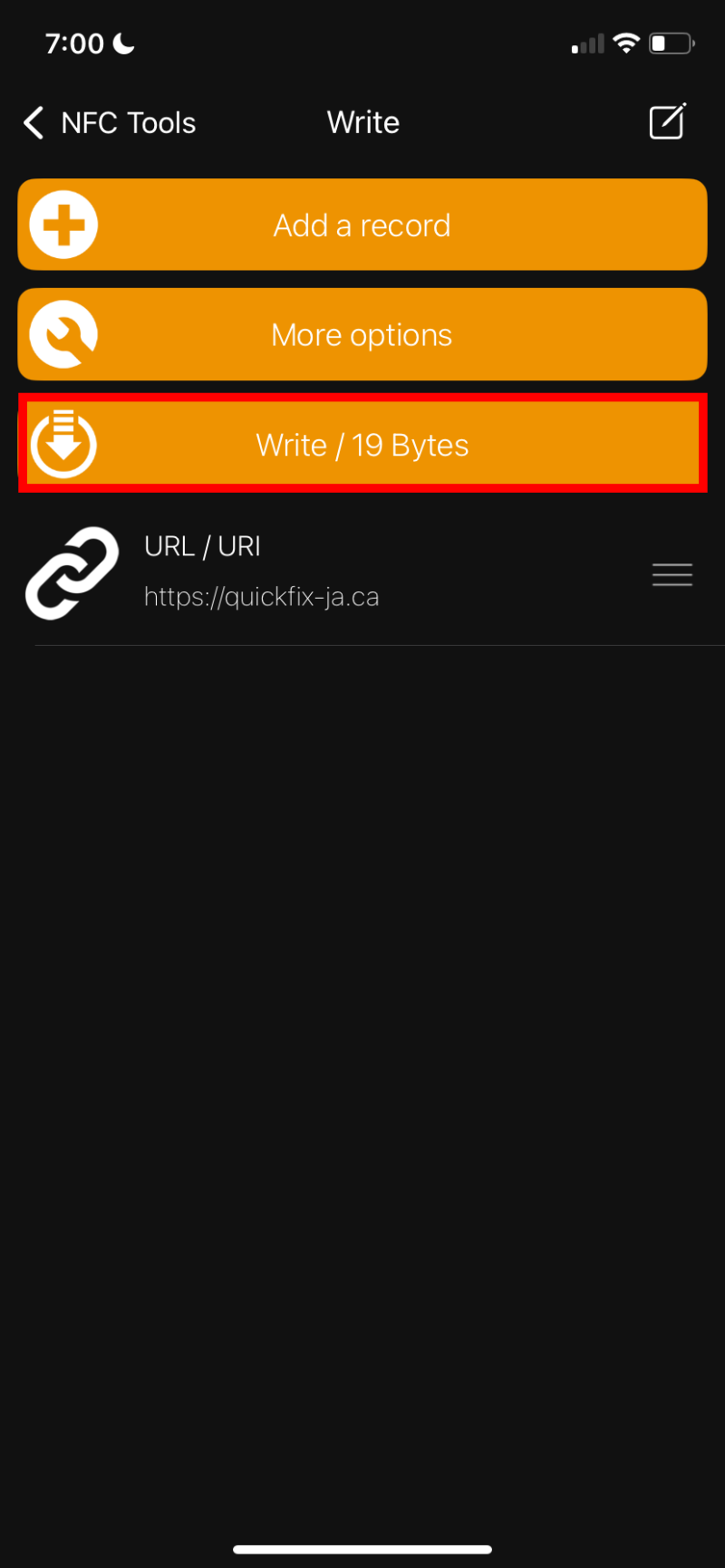
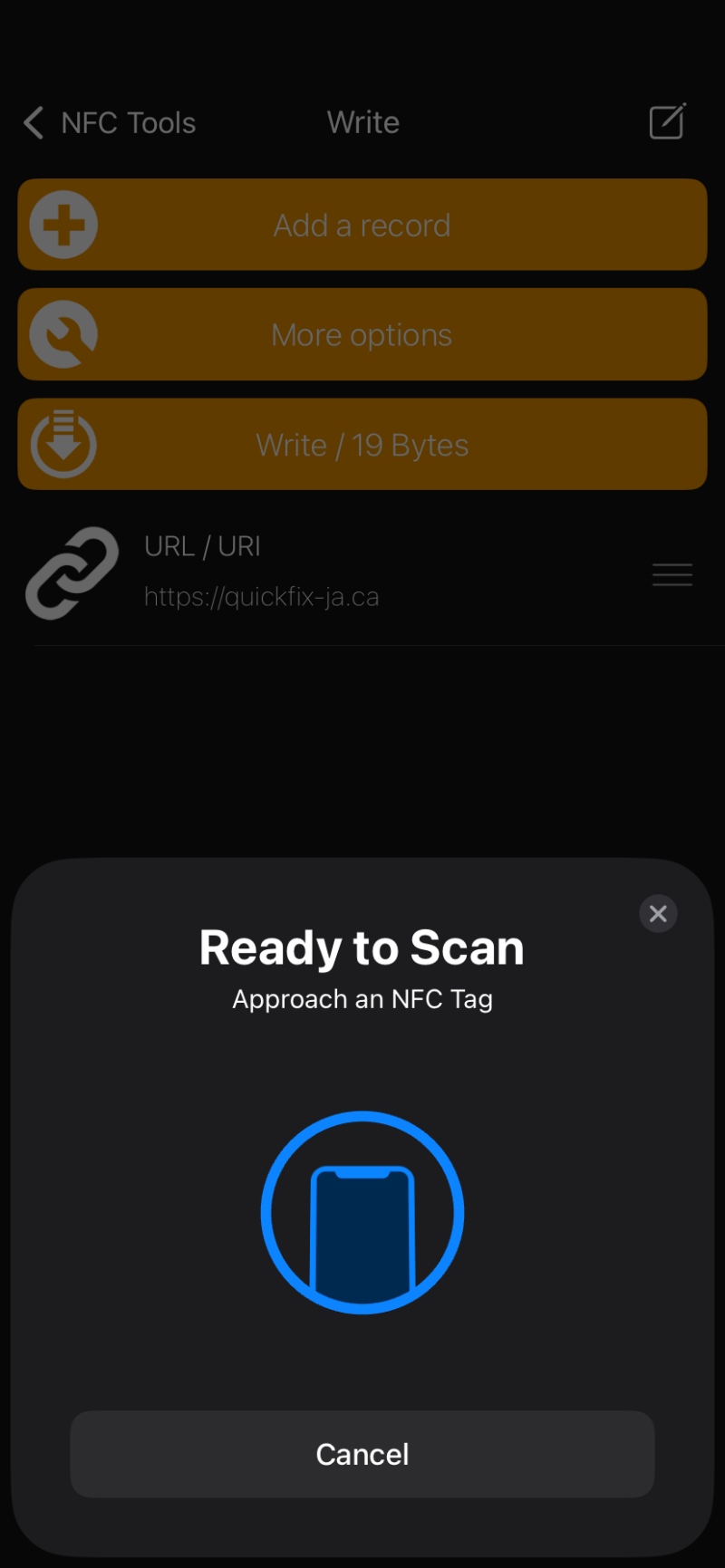
7. When prompted, hold up the NFC tag on your QuickFix card to the top of your phone
iPhone only (recommended)
1. Open the Shortcuts app that is pre-installed on your iPhone.

2. Tap the Automation tab at the bottom of the screen and click the plus in the top right corner to create a new automation.

3. Scroll down and tap NFC.

4. Tap Scan and hold your iPhone near the NFC tag.

6. Enter a name for the NFC tag and tap OK.

6. Tap Create New Shortcut.
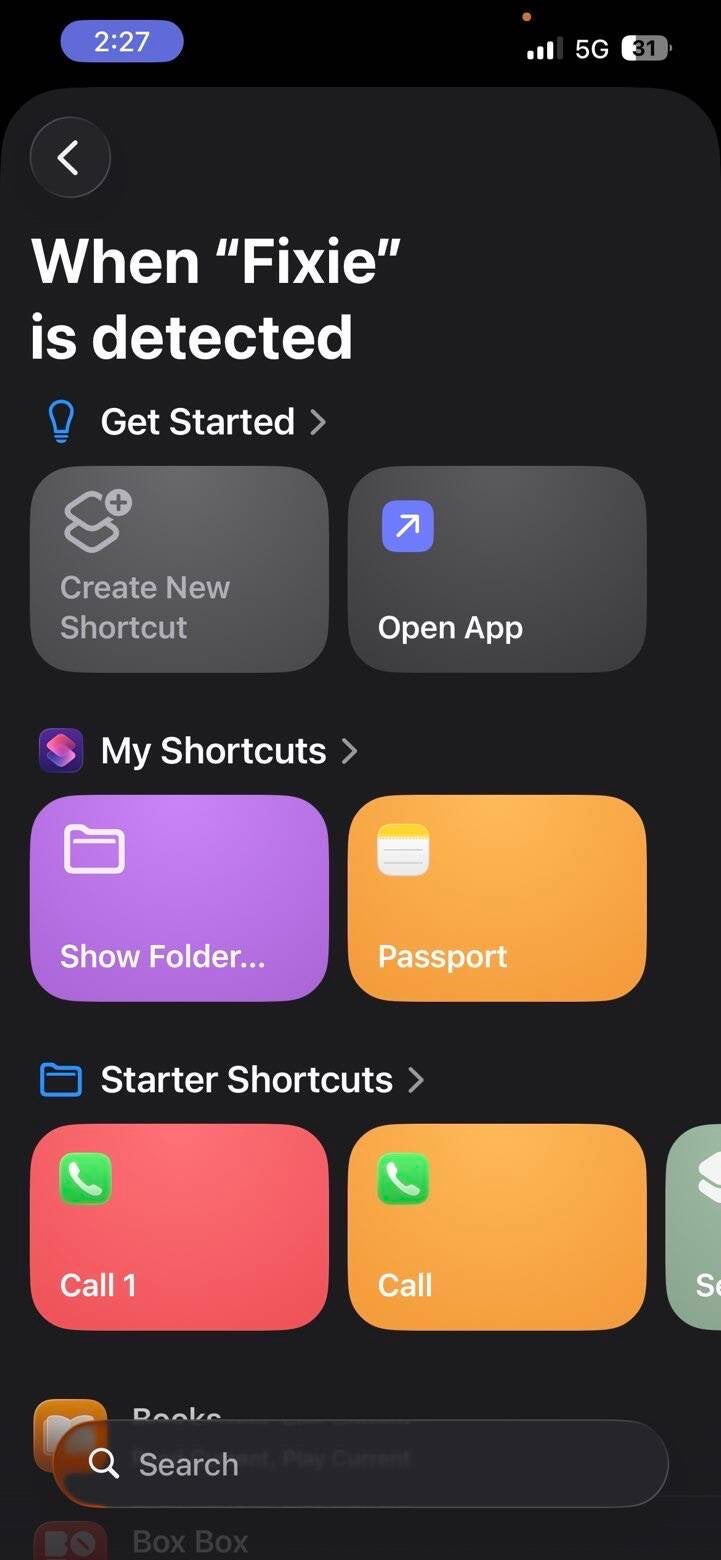
7. Search for and select the action you want the NFC tag to trigger.
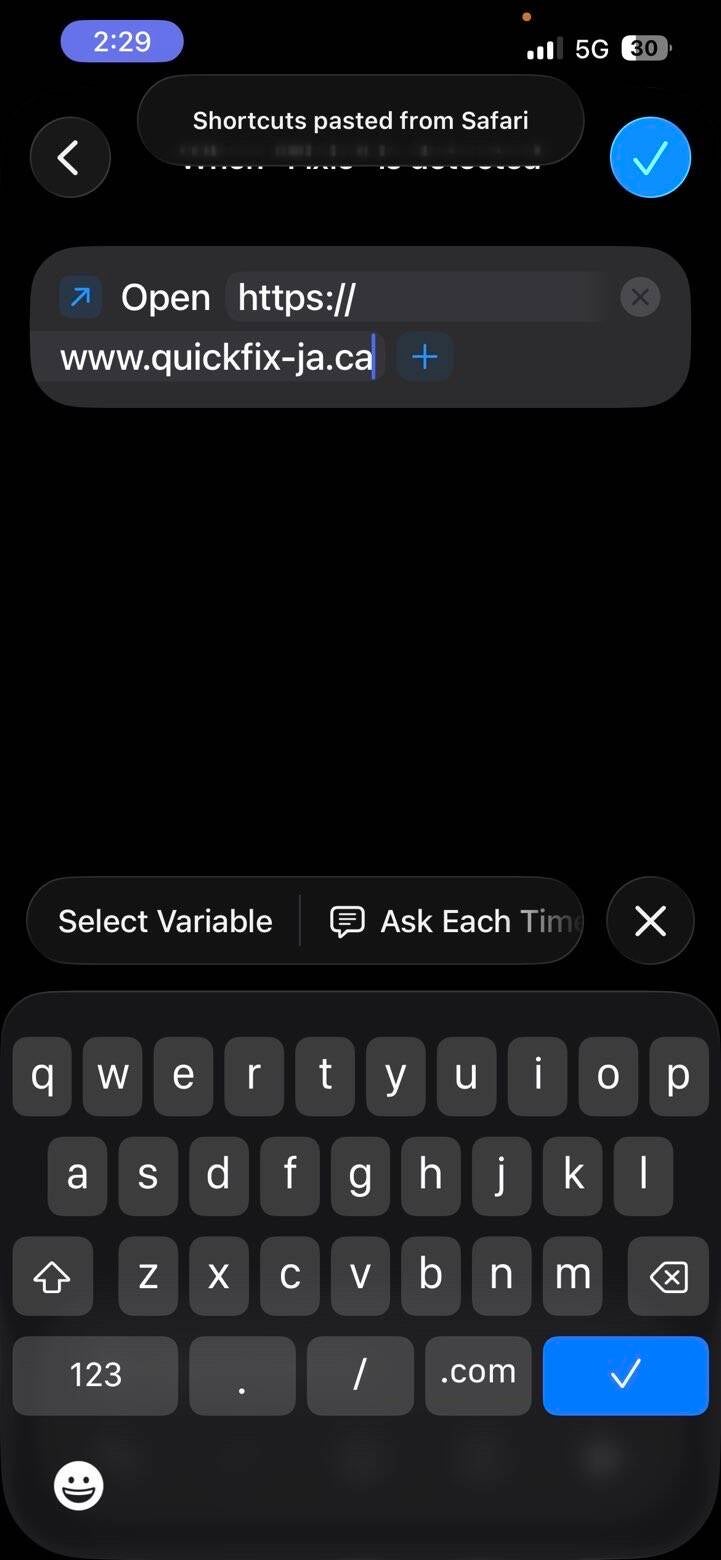
Congratulations! You have successfully programmed your NFC Tag! To use it, just hold the NFC Tag to the top of your phone!